The Cluttered Interface
Navigating the Maze
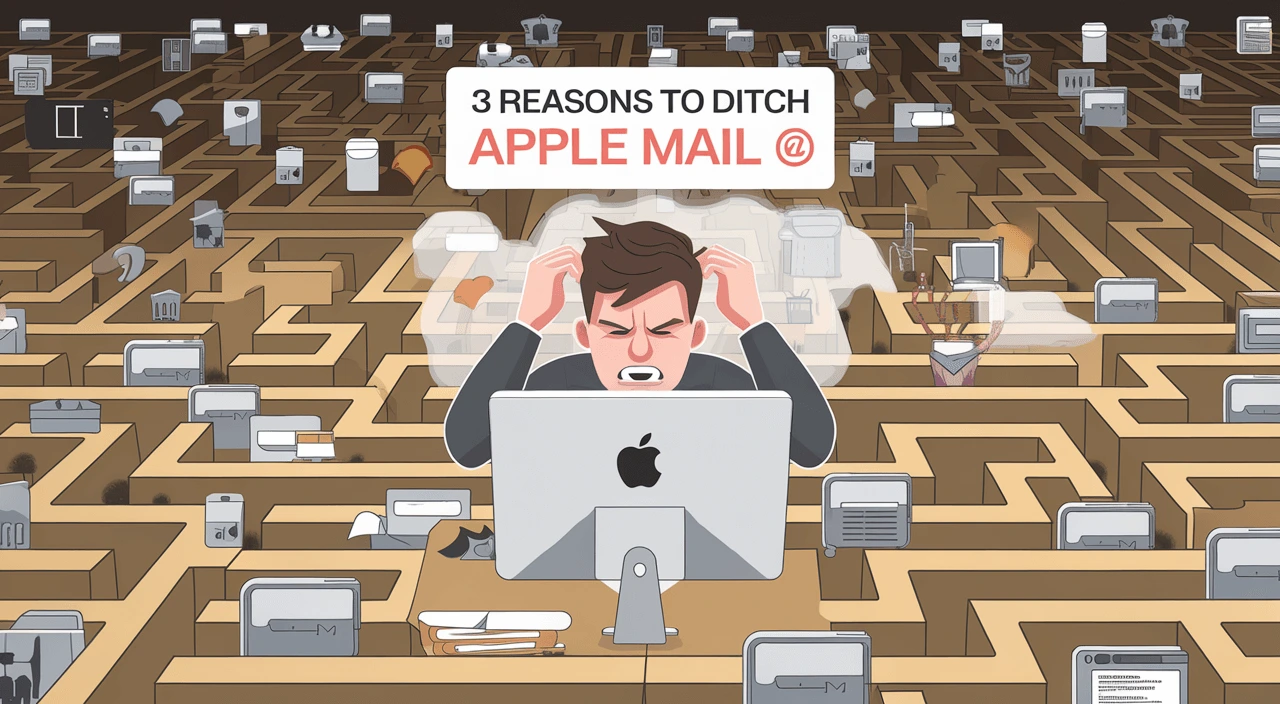
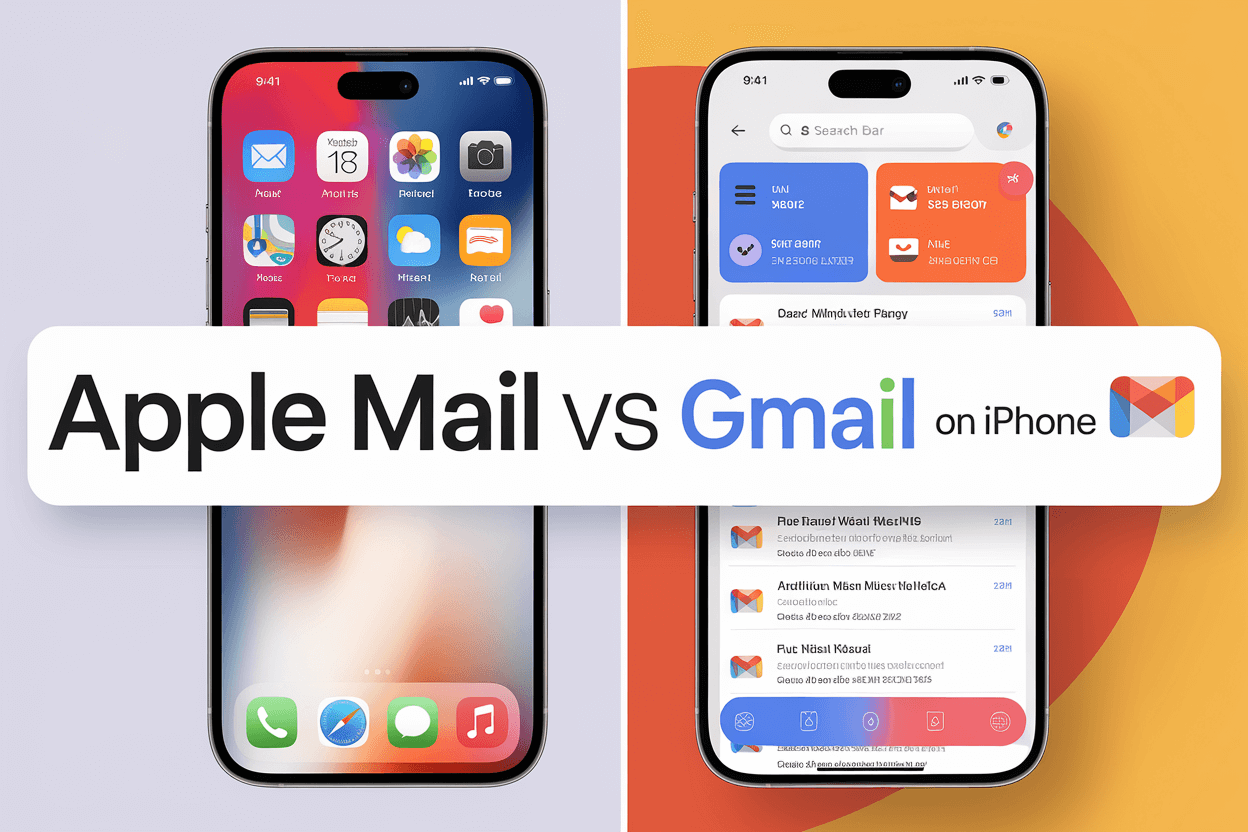
When I first opened Apple Mail, it felt like stepping into a time machine. The interface was cluttered and dated, especially compared to modern email clients like Spark or Gmail. I found myself squinting at the screen, trying to make sense of scattered elements and hard-to-read menus. It was like trying to find a needle in a haystack. For a company known for its sleek design, Apple Mail felt like a forgotten app stuck in the early 2010s.
Lost in the Folders
The folder system in this email client is another headache. I remember searching endlessly for a specific message, only to find it buried in a web of subfolders I forgot I even created. I clicked, scrolled, and clicked again, hoping to stumble upon it. The layout lacked logic. Unlike Gmail's powerful labels and search-based navigation, Apple Mail feels rigid and archaic.
Customization Woes
When it came to personalizing my workspace, Apple Mail gave me little control. The layout is fixed. There are no themes. You can't choose how or where messages display. Other platforms let you adjust split panes, enable dark mode, or even create smart folders that update in real time. Apple Mail made me feel boxed in—like renting a furnished apartment where you're not allowed to move the couch.
Slow and Steady Doesn’t Win the Race
Loading messages should be instant in 2025. But with Apple Mail, there were days I’d wait 10 to 20 seconds just for an email thread to open. It felt like using dial-up in a broadband world. I even noticed delays when switching between inbox and sent items. I tested the same actions on Outlook and they were nearly instant. That difference becomes massive when repeated dozens of times a day.
Syncing Nightmares
Cross-device syncing is one of the core promises of Apple’s ecosystem—but ironically, Apple Mail struggles here. Messages would appear on my iPhone but not on my MacBook. I once replied to a message on my iPad, only to discover later that the reply had never been sent—and didn’t show up in the sent folder on any device. That inconsistency is not just annoying—it’s a liability.
Buggy Updates
Every update felt like a mystery box. Sometimes it fixed problems; other times it broke key features. I remember an update that changed how conversation threads appeared, making it nearly impossible to follow multi-email discussions. Another version caused random app crashes every time I opened an attachment. These updates shook my trust in the software.
Limited Features
Basic Functionality, Barely There
Apple Mail is surprisingly feature-light. Features like snooze, email templates, and read receipts are either missing or require third-party plugins that are often buggy. Compared to Gmail’s robust scheduling or Outlook’s focused inbox, Apple Mail seems stuck in basic mode. For professional users, this minimalism borders on unusable.
The Search Struggle
The built-in search tool has one job: find my emails. But Apple Mail’s search often delivers strange results. I once searched for an invoice and got everything but the email I needed—even though it was in my inbox. Other clients allow advanced filtering: by attachment, contact, date range, and more. Apple Mail offers basic keyword search, and even that doesn’t always work right.
Integration Limitations
Struggling with Third-Party Apps
I rely heavily on Trello, Notion, Google Calendar, and Slack. With Apple Mail, integrating these apps felt impossible. There’s no built-in task manager or notes sync. Unlike Superhuman or Spark, which support calendar previews and CRM integrations, Apple Mail works in a silo. For a modern workflow that depends on interoperability, this is a serious bottleneck.
Even syncing with Apple’s own Calendar and Contacts apps isn't always reliable. I’ve had meetings disappear and reappear, contacts duplicate or vanish entirely. In professional settings, this kind of unreliability leads to missed appointments and awkward follow-ups. At one point, I even began exporting my calendar weekly as a backup—just in case.
Security and Privacy Concerns
Questionable Security Measures
Email is often the gateway to everything else—banking, social media, work. That’s why email security is critical. Unfortunately, Apple Mail doesn’t have the best track record. According to
this TechRadar report on Apple Mail zero-day vulnerabilities, researchers uncovered bugs that allowed attackers to access emails silently. While patches followed, the fact that these exploits existed so long raises concerns.
Limited Encryption Options
Apple Mail offers basic S/MIME support for encryption, but it’s clunky to configure and not well-suited for everyday users. Compare that to ProtonMail, which offers seamless end-to-end encryption by default. If you value secure communication, Apple Mail simply isn’t a top contender.
Privacy Practices That Miss the Mark
Apple brands itself as a privacy-first company. But the Mail app doesn’t live up to that promise. There’s no easy way to control metadata, hide IP addresses from trackers, or prevent loading remote images. Gmail and Outlook both offer stronger tracking protection. For users who care about who’s watching their inbox activity, Apple Mail doesn’t do enough.
Data Handling Woes
From disappearing drafts to failed message uploads, I’ve seen Apple Mail mishandle basic data tasks. One time, the app duplicated dozens of sent emails, making it look like I spammed a client. Another time, it deleted a folder entirely—without warning or any chance of recovery. These are not minor annoyances. They're red flags.
Transparency Issues
The app lacks transparency in multiple ways. System logs are difficult to access. Error messages are vague. If something breaks, there's no clear way to understand what went wrong. I’ve used Gmail’s detailed activity logs and Outlook’s diagnostic tools. Apple Mail? Crickets. It’s like being locked out of your own digital house with no way to peek inside.
Why People Still Use It (and Why I Stopped)
Apple Mail comes preinstalled. It syncs with your iCloud account. It looks like the path of least resistance—and that’s why many people never bother switching. But convenience comes at a cost. That cost is missed messages, poor search results, lost productivity, and lingering privacy concerns. Once I tried alternatives like Spark and Outlook, the difference was staggering. Cleaner UI, faster performance, smarter automation. I felt in control again.
A Better Way Forward
So where does this leave us? If your experience with Apple Mail mirrors mine—marked by glitches, outdated design, and limited features—it may be time to explore something new. Fortunately, there are many excellent email clients out there. Spark is great for power users who like smart inbox sorting. Outlook is ideal for those in corporate environments. ProtonMail and Tutanota are top picks for privacy-minded individuals.
Each offers a better experience than Apple Mail in at least one category—and often in all of them. You don’t need to settle for an app that frustrates you.
Final Thoughts
While Apple Mail once served a purpose, it no longer meets the demands of modern digital communication. Between its outdated interface, limited functionality, syncing issues, and security concerns, the drawbacks outweigh the benefits. With more innovative and user-friendly options available, it makes sense to move on.
Don’t let habit keep you stuck. Try a new client for a week. See how it feels. You might be surprised how much better email can be once you leave Apple Mail behind.